Virtual Home Staging: Visualize an Apartment from a Floor Plan
Turn a floor plan into a furnished 3D apartment and a realistic photo. Learn the benefits, costs, labeling rules, and how to do it in homeplot.

 3D AI
3D AIAn empty apartment naturally looks smaller in photos than it really is, and buyers often struggle to imagine where they would put a sofa. Home staging—furnishing a property for sale—solves this problem. Traditional staging with rented furniture, however, can run into thousands of euros. Virtual staging lets you furnish an apartment on a computer at minimal cost.
In this guide, you'll learn what research says about the benefits of staging, how to label it properly, and how to create it in homeplot from a simple floor plan.
What staging offers
In its 2025 survey, the US National Association of REALTORS® (NAR) asked 1,266 real estate agents about staging. The survey found that:
- 83% of buyers' agents said staging helps buyers visualize a property as their future home.
- The most important rooms to stage are the living room (37%), primary bedroom (34%), and kitchen (23%).
- 29% of sellers' agents reported higher offers: 19% saw increases of 1–5%, and 10% saw increases of 6–10%. 49% said the property sold faster.
However, the same survey shows that buyers care more about actual photos than virtual staging. Among buyers' agents, 73% consider photos more important, while 38% rate virtual staging as less important. Visualizations therefore complement actual photos rather than replace them.
How much traditional and virtual staging cost
According to real estate agency Hašek & Partners, traditional home staging in Prague costs roughly €600–€3,300. Virtual staging by a designer costs €60–€120 per room. In homeplot, you can create the visualization yourself. The editor is free, reading a floor plan costs 5 AI credits, and one realistic photo also costs 5. You receive 10 welcome credits—enough for one floor plan and one photo. You can find additional credits on the pricing page.
1. Build a home from a floor plan photo
In New project, select From a floor plan photo. Alternatively, click Floor plan in the editor's header. Upload a drawing from a listing or developer and align the corner markers with the drawing's corners. This straightens a sheet photographed at an angle. If you have a plan of an entire floor, select just one apartment. After you click Read floor plan, AI identifies the walls, windows, doors, and dimensions and builds the home in 10–40 seconds. Check the result against the translucent image of the drawing. If needed, measure one wall to make sure the scale is correct.
2. Furnish the home with one click
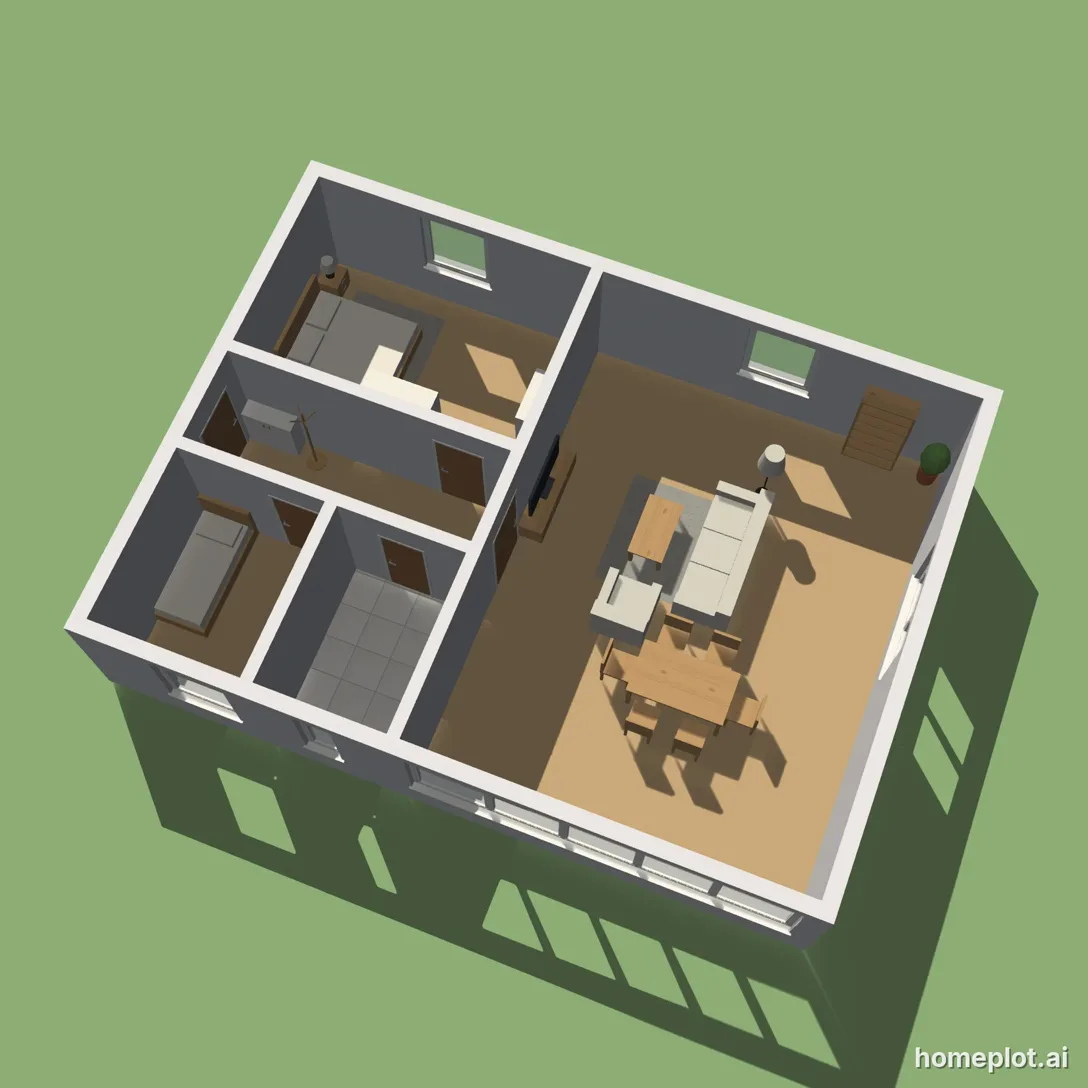
Once the home is built, the What goes in each room? window opens. Choose a type for each room, such as a living room, bedroom, child's room, or kitchen, and check the items you want to include. You also choose a style for the home. The Furnish home button arranges the furniture according to interior design principles. This feature is free, and you can reverse the entire step with Undo. The app does not yet furnish bathrooms, separate toilets, or balconies. You can furnish these manually using the catalog.
3. Create an apartment photo for your listing
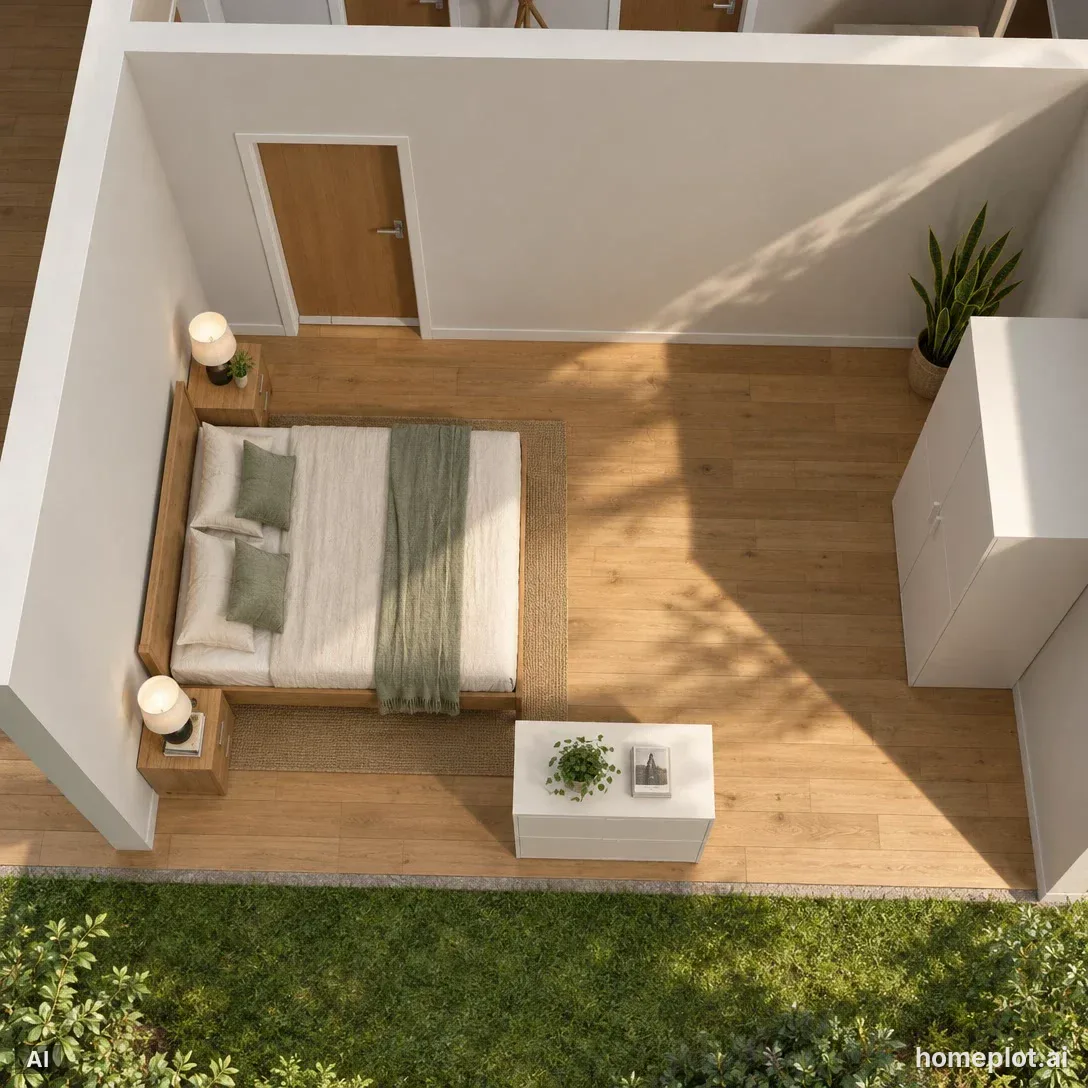
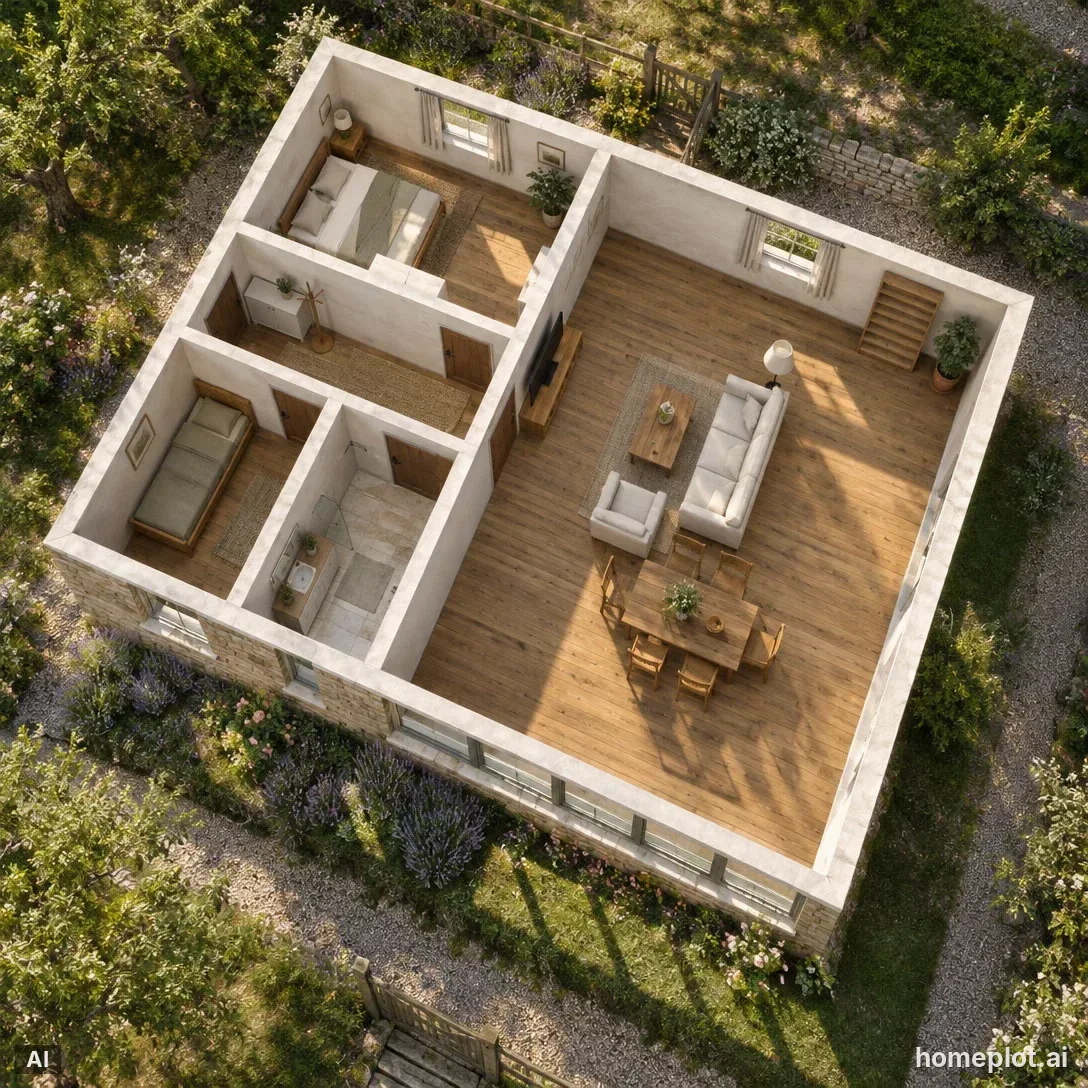
The Show as a real photo button selects a suitable overhead view of the entire home and opens the AI photo window. Choose a style, and AI creates a realistic image. The room layout and furniture placement stay the same as in the 3D model. You can create additional views, such as an eye-level view of the living room, in photo mode.
Always label visualizations
A virtually furnished apartment does not represent the property's current condition. Consumer protection rules prohibit misleading commercial practices. These include false or misleading information about a property's main features, as well as withholding material information. Real estate agents must inform prospective buyers of defects they know about or should have known about. Starting in August 2026, the European AI Act (Article 50) also requires labeling AI-generated images that closely imitate real places.
In practice, this means:
- label every visualization as a visualization or illustrative image,
- show a photo of the property's actual condition alongside it,
- do not use visualizations to hide defects such as dampness or cracks, or to change room sizes, windows, or views.
AI photos from homeplot have an AI label in the corner. The file's metadata also includes this label.
Try it yourself
Don't have a floor plan handy? Open the Furnished home example. It's a fully furnished two-bedroom bungalow that lets you try creating an AI photo right away.
Sample project
Furnished house
Three-bedroom-style bungalow: living room with kitchen, bedroom, kids’ room, bathroom and hallway, all furnished.
homeplot is part of assetlog.ai, so you sign up and sign in there. Right after that, we bring you back to the editor.
Sources
- NAR: 2025 Profile of Home Staging (PDF)
- Hašek & Partners: A real estate agency's guide to home staging
- Consumer protection legislation: provisions on misleading information and material omissions
- Real estate brokerage legislation: agents' duties to disclose property defects
- European Commission: AI Act, Article 50
- A real estate association's guide to distinguishing actual photographs from AI visualizations