Your Home Workspace: Desk, Monitor, and Lighting Guidelines
Desk height, monitor distance, window placement, and lighting for a home office or a living room or bedroom workspace. Try your layout in 3D.

 3D AI
3D AIPeople who work from home often don't have a separate office. Instead, they set up a workspace in the living room, bedroom, or a corner of a child's room. Wherever you put your desk, the same principles apply: the right height, a suitable monitor distance, a window to the side, and enough light. The measurements in this guide are based on occupational health and safety regulations for work with display screens. Intended as requirements for employers, they also provide useful guidelines at home.
1. Choose a suitable spot
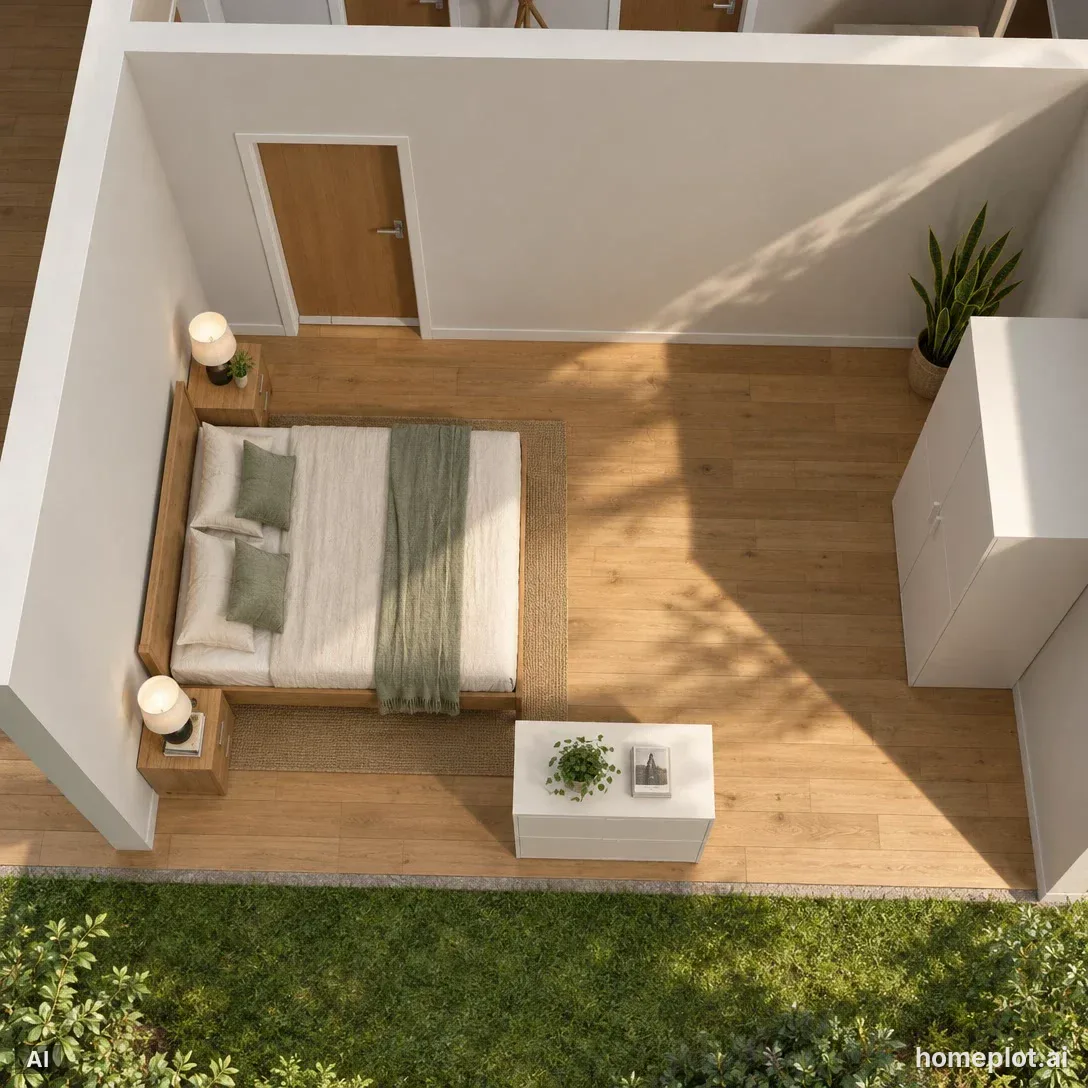
For a living room workspace, find a quiet corner away from the glare of the TV. In the bedroom, avoid placing your desk where you can see unfinished work from bed. If possible, choose a spot near a window. However, don't sit facing it or with your back to it (more on this in step 3). A small desk can also fit inside a closet or alcove. Just remember to leave enough room to pull the chair away from the desk.
2. Adjust your desk and chair
According to workplace health and safety guidelines, the desktop should be 22–31 cm above the seat for men and 21–30 cm for women. The chair seat is typically around 40 cm high, with a range of ±5 cm. Fixed-height desks are therefore usually made around 74 cm high. Under the desktop, you need legroom at least 60 cm high, 50 cm wide, and 50 cm deep, ideally 70 cm. The chair must allow easy adjustment of the seat height and backrest angle.
| Item | Measurement |
|---|---|
| Desktop above the seat | 22–31 cm (men), 21–30 cm (women) |
| Seat height | 40 ± 5 cm |
| Legroom under the desktop | height 60 cm, width 50 cm, depth 50 cm (preferably 70 cm) |
| Monitor distance from eyes | at least 40 cm, ideally around 50 cm, no more than 70 cm |
| Artificial lighting | at least 200 lx |
3. Position your monitor relative to the window
The monitor should be at least 40 cm from your eyes. Public health guidance recommends a distance of around 50 cm and no more than 70 cm. The upper third of the screen should be at eye level or slightly below it. There should be no glare on the monitor from light fixtures or windows. The US Occupational Safety and Health Administration (OSHA) therefore recommends positioning the monitor perpendicular to the window. This puts the window to your side, so light doesn't shine into your eyes or onto the screen.
4. Add suitable lighting
Workplace health and safety guidelines call for at least 200 lux of artificial lighting when working at a computer. In the evening, an overhead light behind you isn't enough: your head will cast a shadow on the desk. Add a desk lamp, preferably on the side opposite your writing hand.
5. Get suggestions for a different layout
Not sure where to put the desk in your room? Click the room's floor in the editor and select Change furniture layout in Properties. AI will create two or three options using the furniture already in the room. Choose one and confirm it with the Use this layout button. This costs 2 AI credits. You can restore the original layout with a single undo.
6. Take a photo of your workspace
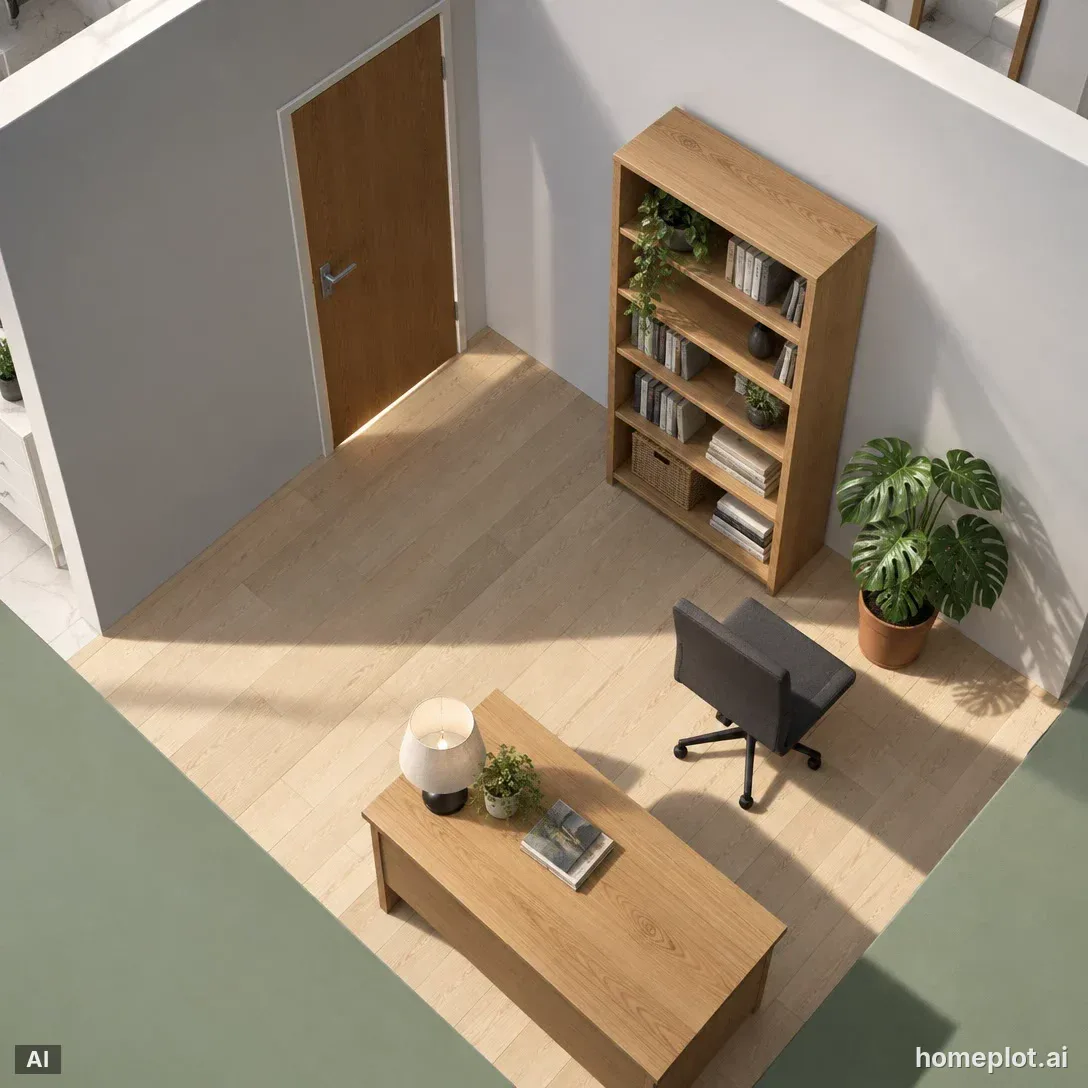
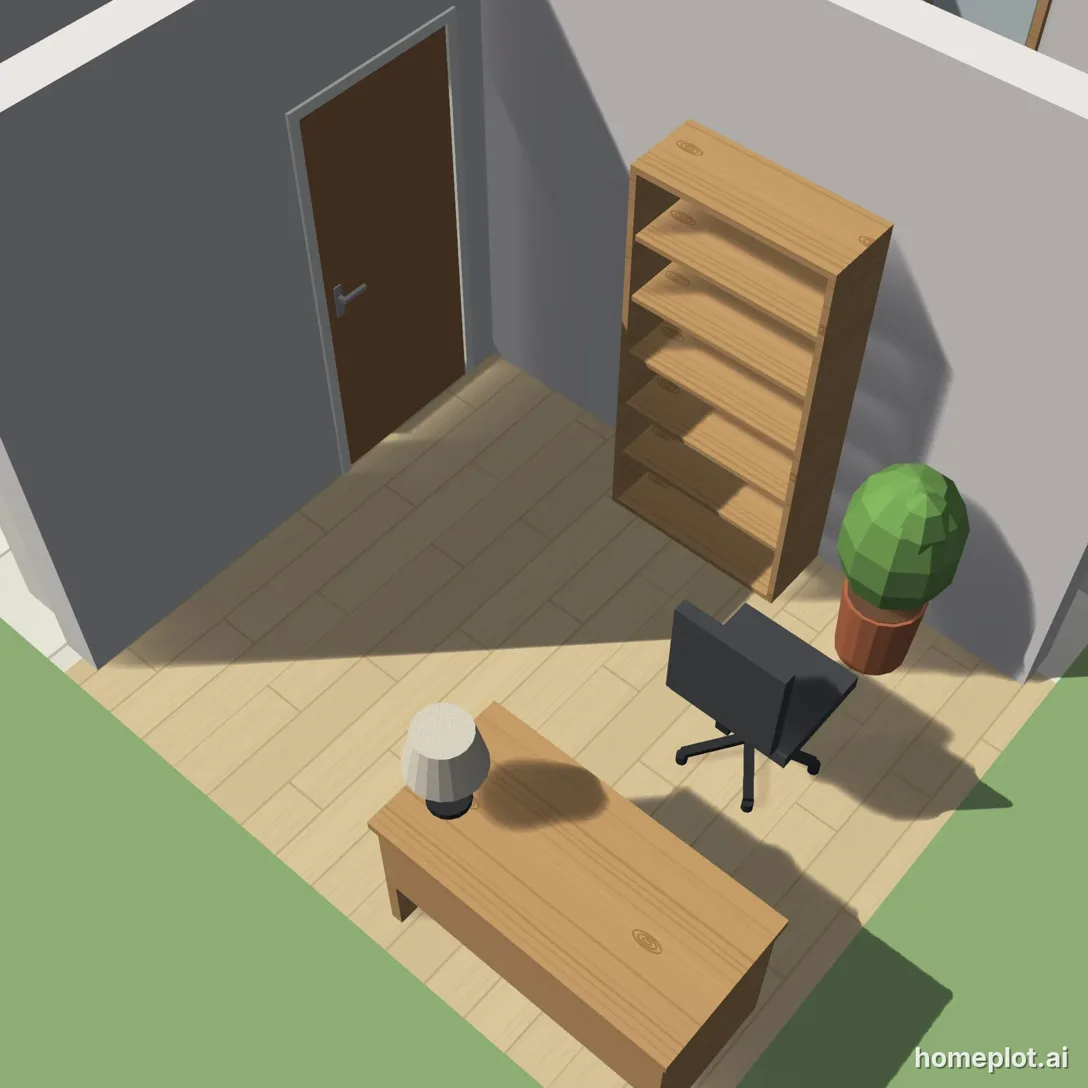
In photo mode, choose a view and let AI create a realistic photo. The desk, chair, and bookcase will stay where you placed them in the design. AI will add materials and lighting. An AI photo costs 5 credits (6 with an image from the web), and you get 10 free credits to start. For a bedroom workspace, see the guide Where to place your bed. For a living room workspace, see How to arrange living room furniture.
Sample project
Furnished house
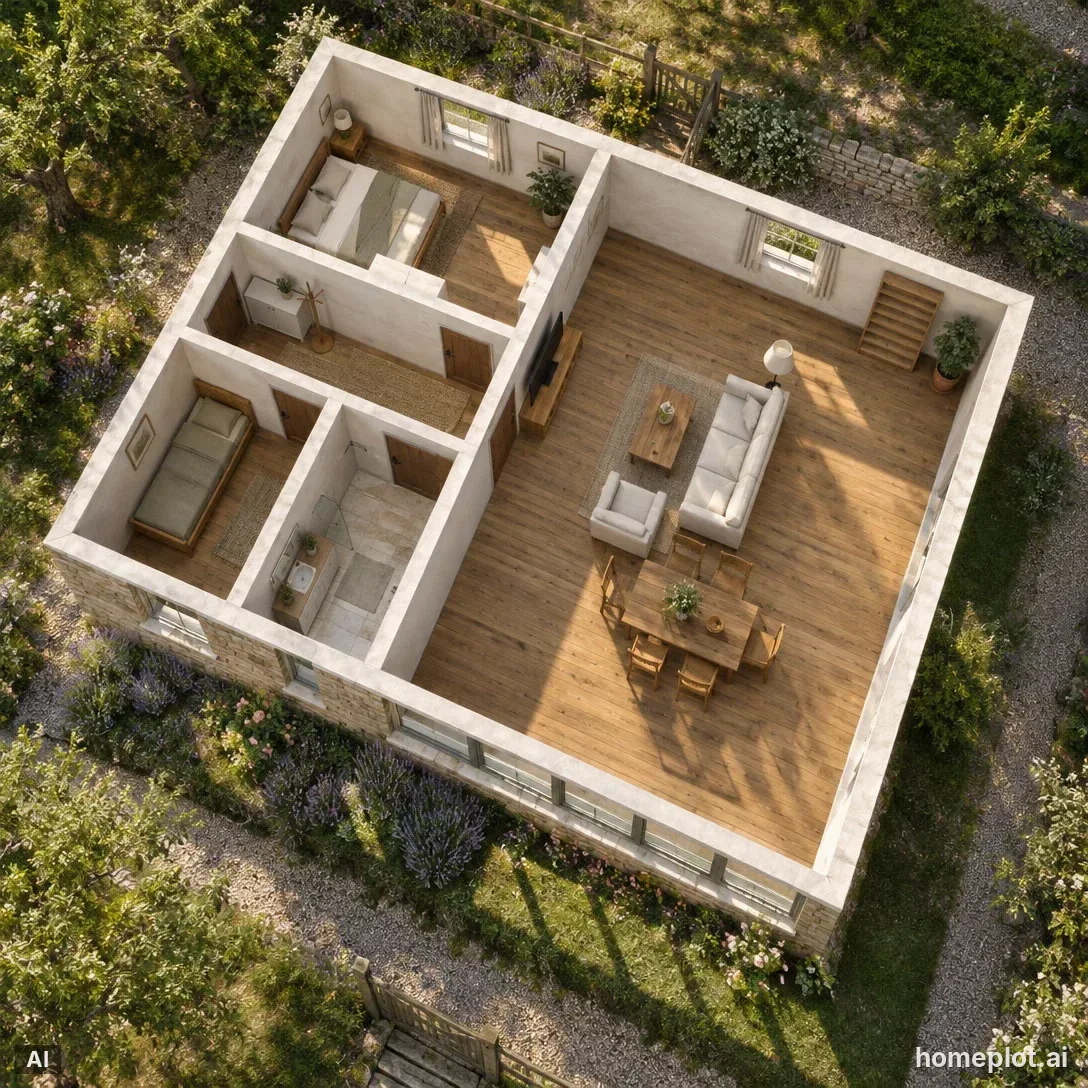
Three-bedroom-style bungalow: living room with kitchen, bedroom, kids’ room, bathroom and hallway, all furnished.
homeplot is part of assetlog.ai, so you sign up and sign in there. Right after that, we bring you back to the editor.
Sources
- Workplace health and safety regulations: health protection requirements for computer work (sections 45, 49, and 50)
- Public health guidance: an ergonomic assessment checklist for workstations with display screens (PDF)
- OSHA: Computer Workstations eTool — Monitors
- Furniture sizing guidelines: desk dimensions